
Recently, Elon Musk unveiled xAI’s latest model Grok 4, while Google has been iterating on its Gemini model for some time. After eagerly testing both Musk’s Grok 4 and Google’s Gemini 2.5 Pro, my real-world experience has been… complicated. Both models have been heavily promoted by their parent companies, but when it comes to code generation specifically, the differences are stark.
First Impressions
If Gemini is a calm, meticulous copilot, then Grok barely qualifies as a passenger.
Conversing with Grok always feels like its “witty banter” mode, but when this style carries over to coding, it becomes disastrous. Its code resembles a panicked chicken - logic scattered everywhere. Perhaps Grok is the “straightforward guy” who ignores details, completely failing to satisfy my Virgo-level attention to precision.
For example, it frequently forgets key contextual information. When I specified needing Python 3.11 or 3.12, it correctly provided installation commands for both options initially. Yet when subsequently generating a Systemd service file, it arbitrarily forgot the “or” and assumed I’d installed 3.11, providing only python3.11 commands.
|
|
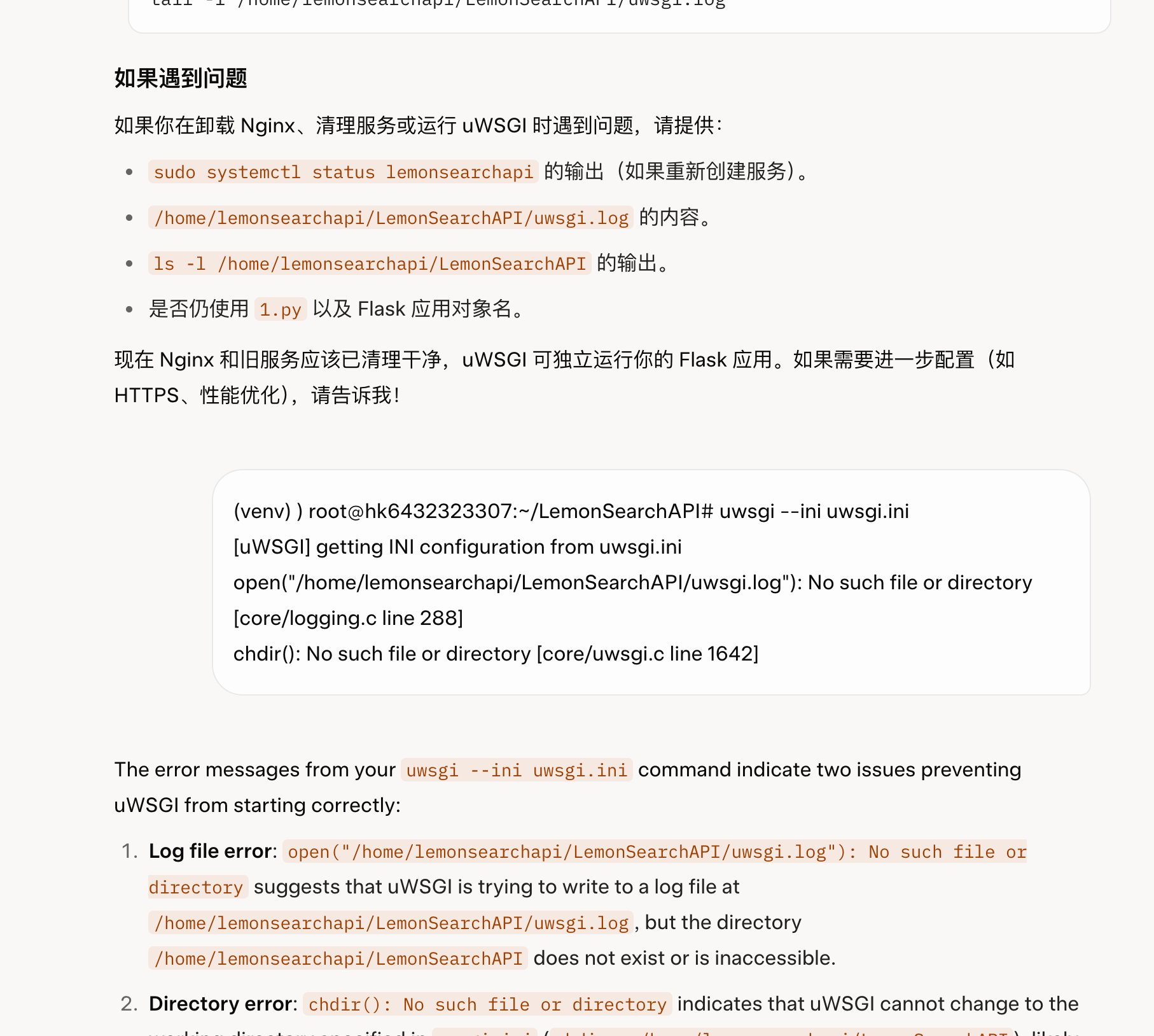
Experienced developers might not spot immediate issues in this snippet, but the critical problem is: my entry file is 1.py, not its assumed app.py! Since when did Flask mandate app.py as the entry point? Where did it get this confidence? My project uses a single-file structure for simplicity, but this is a Systemd config requiring sudo privileges - such baseless assumptions create real problems.
In contrast, Gemini performs much more reliably. Before generating code, it clearly identifies key points requiring attention and seeks confirmation. It never makes such arbitrary assumptions. Reviewing Grok’s responses, I couldn’t find any similar warnings - perhaps this defines the difference between a “copilot” and a “passenger.”
Linguistic Nuances
The consistency gap in language processing is equally apparent. Gemini maintains remarkable stability, consistently responding in the user’s language regardless of conversation length.
Grok, however, proves unstable. I’ve frequently encountered situations where Chinese queries receive English responses. This language confusion becomes particularly pronounced when analyzing problematic code segments - despite an ongoing Chinese conversation, Grok will abruptly switch to full English mode without warning. This never occurs with Gemini.
Tool Ecosystem & Integration: Worlds Apart
Regarding tool integration, Grok offers virtually nothing, especially for core development scenarios. While platforms like n8n may provide generic API access to Grok for tasks like email sending or text processing (easily replicated via AI Studio’s API keys), Gemini achieves overwhelming superiority in actual coding assistance and development workflow integration.
Gemini CLI: A Terminal Lifesaver
Google’s Gemini CLI brings AI capabilities directly to developers’ command lines.
Recently, I attempted using a Fluent UI library (@zhuzichu520’s GitHub) in a Qt Quick project. The repository offered almost no usable installation instructions and lacked critical implementation files. Turning to Gemini CLI, I received a complete solution within five minutes of interaction, resolving the issue effortlessly.
Gemini Code Assist: The IDE Powerhouse
As Google’s answer to GitHub Copilot, Gemini Code Assist (formerly Duet AI) represents their IDE integration solution.
Beyond Visual Studio Code, I’ve installed it across all my Jetbrains IDEs. Whenever encountering coding bottlenecks or subtle errors, it provides assistance. Though slightly slower than the CLI version, its ability to leverage full IDE context creates an equally impressive immersive experience.
And we are done! Time for some virtual confetti. 🎉